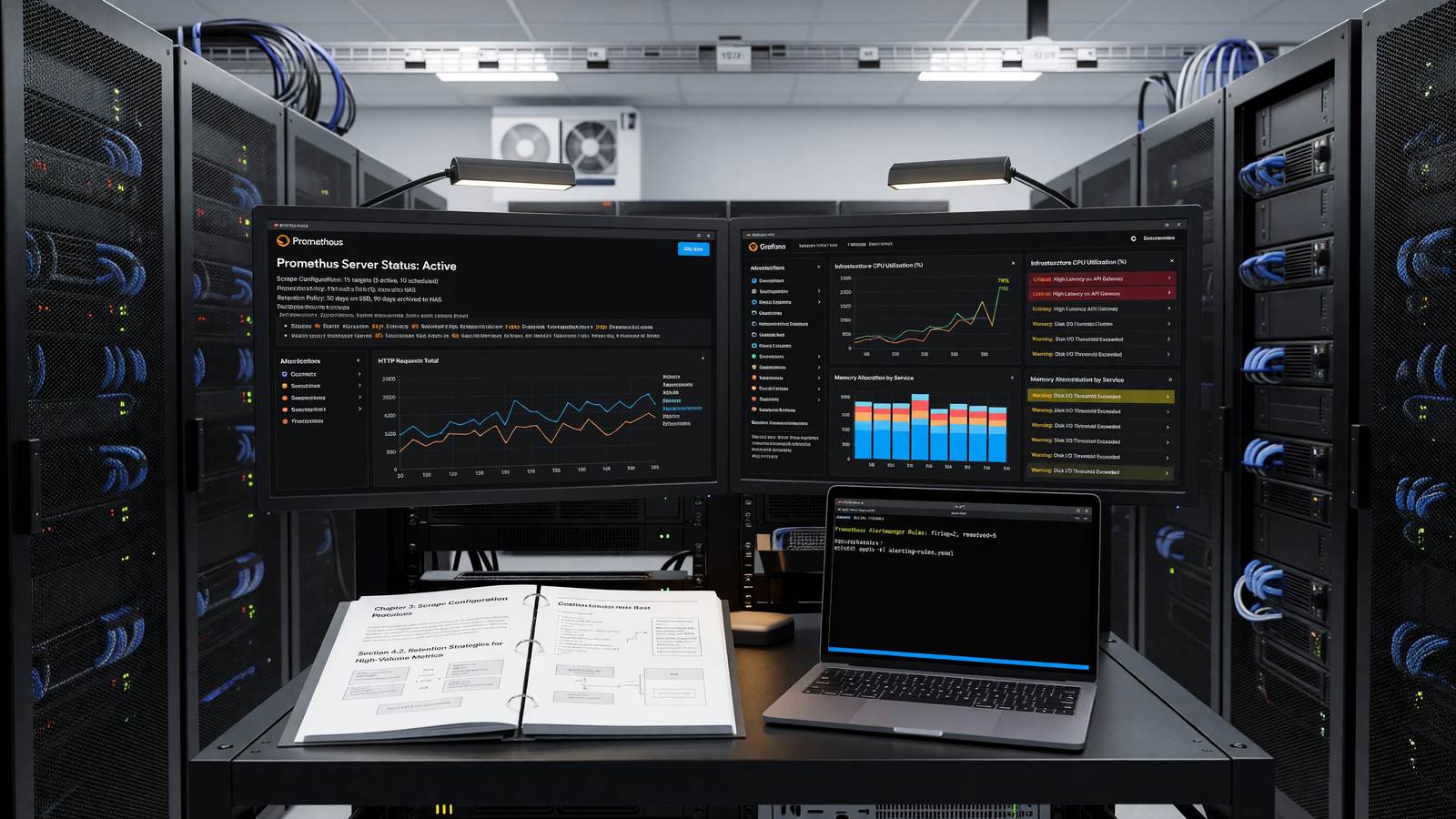
Monitoring Your Infrastructure with Prometheus and Grafana: A Setup Guide
Why Prometheus Won the Metrics Layer
Prometheus emerged from SoundCloud in 2012, joined the CNCF in 2016, and has become the de facto standard for infrastructure and application metrics. The reasons are mostly architectural: pull-based scraping that’s simple to debug, a multi-dimensional data model based on labels, a query language (PromQL) that’s expressive without being baroque, and zero external dependencies for a single-node install. The Prometheus documentation is the canonical reference for installation, configuration, and PromQL.
Pair it with Grafana for visualization and Alertmanager for routing, and you have a monitoring stack that handles everything from a three-node cluster to fleets of thousands of hosts. The hard parts are not the install — they’re cardinality control, long-term storage, and alert hygiene.
Deploying Prometheus in Production
For small environments, a single Prometheus instance with local TSDB storage on a fast SSD handles millions of active series comfortably. The defaults give 15-day retention; bump that to 30 or 90 days depending on disk and query patterns.
On Kubernetes, the Prometheus Operator (via kube-prometheus-stack) is the standard install path. It handles CRDs for ServiceMonitor and PodMonitor resources, which let you express scrape configuration as declarative Kubernetes objects rather than editing prometheus.yml by hand.
For larger environments, run two Prometheus instances scraping the same targets behind an HA pair, and forward to long-term storage via remote write. Thanos and Cortex are the dominant choices; Mimir is a newer fork worth evaluating if you’re starting fresh. The Grafana Mimir documentation explains the architecture.
Scrape Configuration and Label Discipline
Every metric carries a set of labels, and every unique label combination creates a new time series. A counter with 5 status codes, 100 endpoints, and 10 instances generates 5,000 series. Add a user_id label and you’ve blown out cardinality into the millions.
The rule is: labels are for dimensions you’ll group or filter on, not for identifiers. Never put user IDs, request IDs, email addresses, or full URLs in labels. Use exemplars or logs for high-cardinality identifiers and keep metrics aggregated.
Alerting That Doesn’t Wake You Up at 3 AM for Nothing
Alerting rules in Prometheus are PromQL expressions evaluated on a schedule. An alert fires when the expression returns rows; Alertmanager handles grouping, deduplication, silencing, and routing to PagerDuty, Slack, Opsgenie, or webhooks.
The biggest mistake teams make is alerting on causes (CPU is at 95%) instead of symptoms (latency is 10x normal). High CPU might be entirely fine. High user-facing latency is never fine. Build alerts around SLOs, page only on burn rates that threaten the error budget, and ticket everything else.
Grafana Dashboards That Actually Get Used
Grafana ships with thousands of community dashboards. Most are bad — too dense, too generic, full of panels nobody looks at. A useful dashboard answers a specific question: ‘Is this service healthy?’ or ‘Where is the latency coming from?’
Standardize on a few templates: a service-level health dashboard (RED metrics), a resource dashboard (USE metrics), and an SLO dashboard with burn rate and error budget remaining. Link them. Make every alert link directly to the dashboard panel showing the relevant metric.
Related Reading
- See our deeper guide at /devops/slo-sla-sli-explained/.
Recording Rules and Pre-Aggregation
High-cardinality queries and expensive PromQL functions (histogram_quantile over large series, rate over long windows) burn CPU on every dashboard load. Recording rules pre-compute these on a schedule and store the result as a new time series.
The standard pattern is to create recording rules for any expression used in more than one dashboard panel or alert. Naming convention: level:metric:operation (job:http_requests:rate5m). Recording rules are particularly important for organizations with many dashboard viewers — without them, the Prometheus server gets hammered every time someone loads the SRE dashboard.
Federation and Long-Term Storage
Single Prometheus instances cap out around 10-15 million active series before query performance degrades. Beyond that, federation or sharding is required.
Federation is the simpler pattern: lower-tier Prometheus instances scrape targets directly, a global Prometheus scrapes aggregates from each lower-tier instance. It works for organizational hierarchies but doesn’t scale much beyond a few levels.
Long-term storage via Thanos, Cortex, or Mimir is the more common modern pattern. Each Prometheus writes to object storage; a query layer fans out across all stored data. Storage is cheap; queries can span months or years. The operational overhead is real (more components to run) but pays back at multi-cluster scale.
Alertmanager Configuration That Doesn’t Lie to You
Alertmanager handles deduplication, grouping, silencing, and routing for alerts. The default configuration works; the customization most teams need is around routing — different alerts going to different channels based on severity, team ownership, or time of day.
Routes are tree-structured: a top-level catch-all, sub-routes for specific teams or services. Inhibit rules prevent noise: a ‘cluster down’ alert can suppress every per-service alert in that cluster, because they’re all symptoms of the same root cause.
Test the routing. Send a synthetic alert through Alertmanager and verify it lands where you expect. The number of teams that have discovered their alerts weren’t actually being delivered to the team’s Slack channel is non-trivial.
Histograms Done Right
Latency metrics need histograms, not averages. An average masks tail latency; a histogram exposes it. Prometheus histograms (the _bucket suffix) store a counter for each latency bucket, allowing histogram_quantile() to estimate percentiles at query time.
Bucket selection matters. Default bucket boundaries rarely fit application latency distributions. Define explicit buckets that match your SLO — if you care about p99 below 200ms, include buckets at 50ms, 100ms, 200ms, 500ms, 1s, 2s. Coarse buckets give imprecise percentiles; too-fine buckets blow up cardinality.
Native histograms (Prometheus 2.40+) solve the bucket-tuning problem by using exponential bucket layouts that work well across many distributions. Adoption is still gradual but worth tracking for new instrumentation.
Team Culture and Practices
The tooling matters; the culture matters more. Teams with strong DevOps practices and middling tools usually outperform teams with state-of-the-art tools and weak culture.
Core practices: shared ownership of production reliability, blameless incident response, regular retrospectives, deliberate investment in developer experience. None require specific tools; all require sustained leadership attention.
Maturity grows gradually. A team that adopts blameless postmortems but still has weekly all-hands-on-deck deployments hasn’t internalized the practice. Watch the behaviors during stress, not the documented procedures.
Continuous Improvement Cadence
The DevOps movement’s emphasis on continuous improvement isn’t a slogan; it’s a practical requirement. Systems decay, requirements change, and tools age. Maintaining a healthy engineering organization requires deliberate, ongoing investment.
Quarterly retrospectives at the team and organization level surface what’s working and what isn’t. The output is concrete commitments to change — not abstract aspirations.
Track changes from retrospectives. Teams that don’t follow through on retrospective actions eventually stop running retrospectives. Demonstrated follow-through builds the trust that makes future retrospectives valuable.
Hiring and Team Building
DevOps and platform engineering hiring is competitive. The job market pays well; experienced engineers are in demand. Building teams requires investment in both compensation and culture.
What attracts strong candidates: meaningful work on systems they can directly impact, clear ownership boundaries, modern tooling, sustainable on-call practices, growth opportunities. What drives them away: legacy systems with no migration plan, unclear ownership, oppressive on-call, no investment in their growth.
Internal mobility matters too. Engineers in adjacent disciplines (backend development, networking, security) often become strong platform engineers with appropriate support. Building hiring pipelines that include internal transfers expands the talent pool.
Vendor Selection and Tool Procurement
DevOps organizations buy many tools. Each tool selection is a multi-year commitment with implicit ongoing costs (licenses, training, integration). The selection process deserves more attention than it usually gets.
Standard evaluation criteria: feature fit, total cost of ownership over three years, exit cost (how hard is it to migrate away later), vendor stability, and integration with existing tooling.
Avoid the trap of evaluating only on features in initial demos. The features matter; so do the rough edges that surface in week three of actual use. Trial periods and reference customers in similar environments surface what marketing doesn’t.
Practical Next Steps
For teams beginning their DevOps or platform engineering journey, the temptation is to adopt every recommended practice at once. The teams that succeed tend to focus on one or two specific improvements at a time, build the habit, and then expand scope.
Concrete next steps worth considering: instrument deployment frequency and lead time, even informally. Run a blameless retrospective after the next incident. Document the platform decisions that have been made implicitly. Survey the team about pain points and tackle the top two.
Each of these is a small investment with compounding returns. The team that runs retrospectives quarterly accumulates institutional learning that the team without them doesn’t. The team that tracks DORA metrics over a year sees trends they would otherwise miss.
The work doesn’t end. Engineering organizations are living systems that decay without active maintenance. The practices described throughout this article are tools for sustained improvement, not destinations to reach and stop.
Frequently Asked Questions
How much retention should Prometheus keep locally?
15 to 30 days on local disk for fast queries, with remote write to Thanos, Cortex, or Mimir for longer retention.
How do I know if I have a cardinality problem?
Check prometheus_tsdb_head_series. If it’s growing without bound or above a few million on a single instance, you have high-cardinality labels somewhere.
Should I use Prometheus or a hosted service like Datadog?
Hosted services are faster to start and more expensive at scale. Most teams cross the breakeven point somewhere between 50 and 200 hosts.
How do I monitor Prometheus itself?
Scrape Prometheus’s own /metrics endpoint and alert on scrape failures and rule evaluation duration. Run two instances scraping each other.