Docker Container Security Hardening: A Practical Checklist
Most container security incidents do not come from exotic kernel exploits. They come from containers running as root, mounting the Docker socket, pulling unscanned base images, or shipping with embedded credentials. The Docker security documentation covers the security model in depth. The defenses against those failure modes are well understood and cheap to implement — yet still routinely skipped.
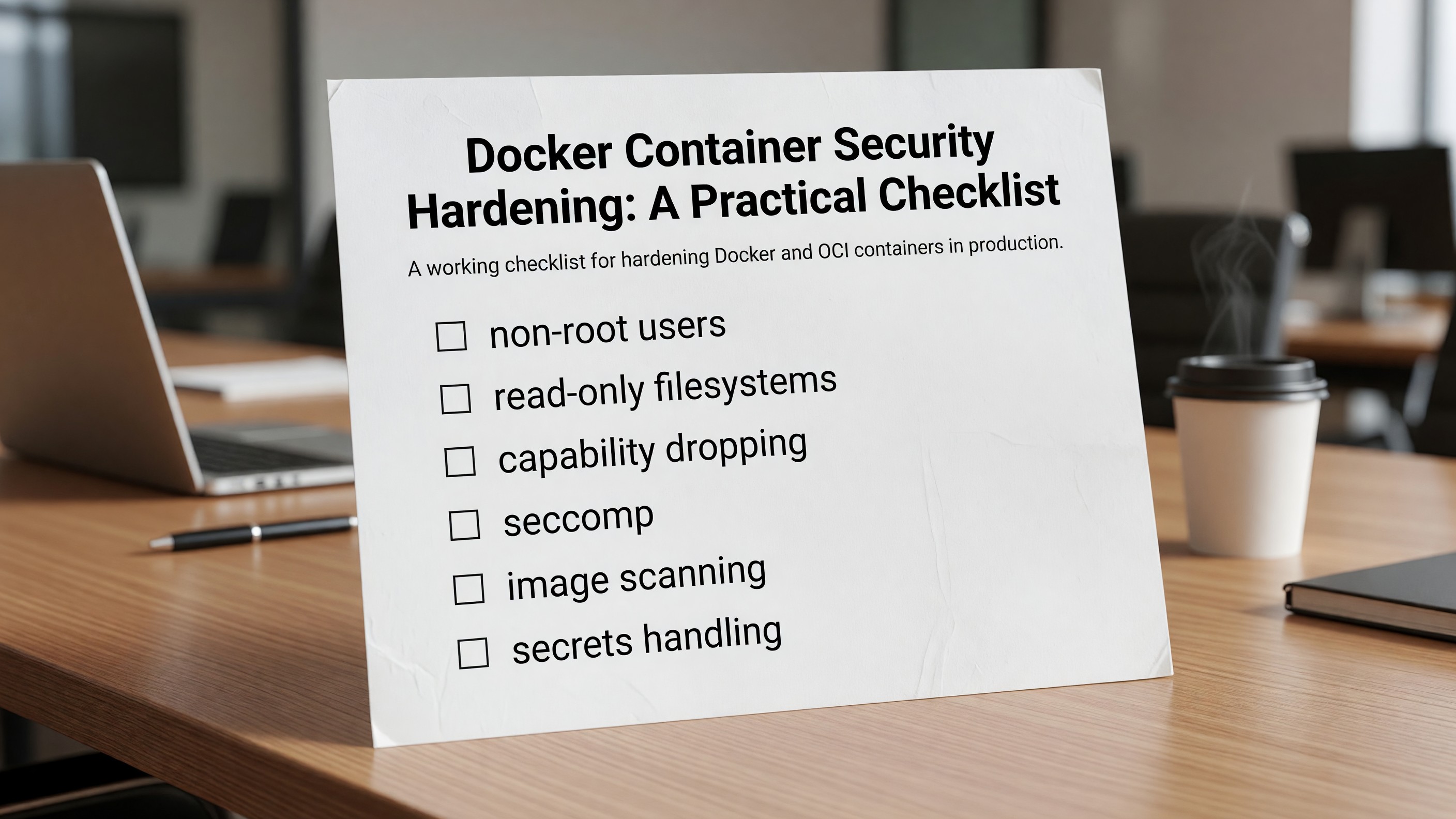
This is a working checklist for hardening Docker and OCI containers in production. It assumes you are running containers under Kubernetes, ECS, Nomad, or plain Docker, and that “production” means anything connected to a real network.
1. Run as a Non-Root User
The single most important hardening step. Containers run as root inside the namespace by default, and if a container breakout occurs, root inside maps to root outside.
In your Dockerfile:
RUN groupadd -r app && useradd -r -g app -u 10001 app
USER 10001:10001
Use a high numeric UID (10000+) to avoid collisions with host users. In Kubernetes, also set runAsNonRoot: true and runAsUser: 10001 in the pod’s securityContext, and allowPrivilegeEscalation: false. The pod will refuse to start if the image attempts to run as root.
A surprising number of official images still default to root. Always verify with docker inspect --format='{{.Config.User}}' <image>.
2. Use Read-Only Root Filesystems
Most application containers do not need to write to their own filesystem. Mounting it read-only blocks an entire category of post-exploitation behavior — installing tools, writing webshells, modifying binaries.
Docker:
docker run --read-only --tmpfs /tmp myapp
Kubernetes:
securityContext:
  readOnlyRootFilesystem: true
volumeMounts:
  - name: tmp
    mountPath: /tmp
volumes:
  - name: tmp
    emptyDir: {}
Mount tmpfs for /tmp and any other directories the application legitimately needs to write to. If the app refuses to start because it cannot write to /var/cache/something, mount an emptyDir there. Do not give up and disable read-only — investigate what is being written.
3. Drop Linux Capabilities
Container processes inherit a default set of Linux capabilities that is far more generous than most workloads need. Drop everything and add back only what is required.
Kubernetes:
securityContext:
  capabilities:
    drop: ["ALL"]
    add: ["NET_BIND_SERVICE"]  # only if binding to ports < 1024
For most application workloads, drop: ["ALL"] with no additions works. Web servers binding to port 80 or 443 need NET_BIND_SERVICE — or better, bind to a high port and use the ingress controller for low-port termination.
Capabilities to be especially careful about:
SYS_ADMIN— effectively root.NET_ADMIN— full network configuration.SYS_PTRACE— can attach to other processes.DAC_OVERRIDE— bypasses file permissions.
If something in your stack requires SYS_ADMIN, treat it as a finding, not a configuration.
4. Apply Seccomp Profiles
Seccomp filters which syscalls a container can make. The Docker default seccomp profile blocks about 60 syscalls and is a reasonable baseline. Kubernetes does not apply it by default — you have to opt in. The Kubernetes Pod Security Standards documentation defines the restricted, baseline, and privileged policy levels.
securityContext:
  seccompProfile:
    type: RuntimeDefault
For higher-security workloads, generate a custom profile with tools like bane, oci-seccomp-bpf-hook, or falco-seccomp-profile-generator. A tight custom profile typically allows 80–120 syscalls compared to the ~400 that are unrestricted by default.
If you only do one thing here, set RuntimeDefault across the cluster via a Pod Security Standard or Kyverno policy. The cost is approximately zero and it eliminates a class of kernel-level attack surface.
5. Scan Images, and Block on Findings
Image scanning is table stakes. The tools work; the discipline of acting on results is what is usually missing.
Realistic tooling in 2026:
- Trivy — free, fast, covers OS packages, language packages, IaC, and secrets. Default choice for most teams.
- Grype + Syft — Anchore’s open-source pair, strong SBOM story.
- Snyk — commercial, broader policy and developer-tooling integration.
- Wiz, Sysdig, Aqua — full container security platforms with runtime detection.
Hook scanning into your build pipeline. Fail the build on critical CVEs in production base images. Generate and store an SBOM (CycloneDX or SPDX) per build — your auditors will want it.
Two patterns that materially reduce noise:
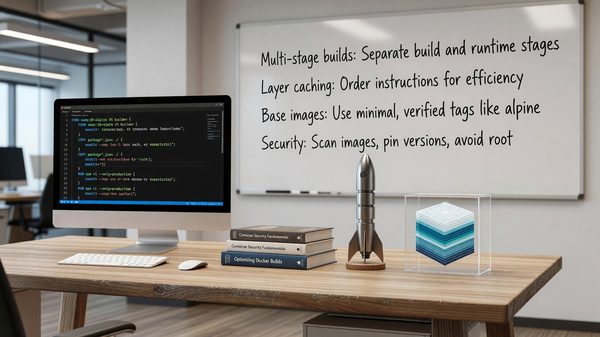
- Use minimal base images.
distroless,alpine,chainguard/static, andwolfi-baseship with dramatically fewer packages than Debian or Ubuntu. Fewer packages, fewer CVEs. - Rebuild frequently. A weekly automated rebuild against the latest patched base image solves more CVEs than any scanner configuration. Pair it with a CI pipeline that handles the rebuild and redeploy.
6. Sign Images and Verify at Deploy Time
Image signing closes the supply-chain gap between “we built this” and “this is what is running.”
Cosign (part of Sigstore) is the standard. Sign images in CI with a workload identity (GitHub OIDC, GitLab OIDC), and verify signatures at admission time with Kyverno, Connaisseur, or Sigstore’s policy controller.
cosign sign --identity-token=$ID_TOKEN ghcr.io/org/app:1.2.3
cosign verify --certificate-identity=... ghcr.io/org/app:1.2.3
If you cannot enforce verification cluster-wide yet, at minimum sign images and verify them in CI before promotion to production.
7. Lock Down Networking
Containers should not be able to talk to anything that is not explicitly required.
In Kubernetes, this means NetworkPolicies by default-deny, then opening only required flows:
apiVersion: networking.k8s.io/v1
kind: NetworkPolicy
metadata:
  name: default-deny
spec:
  podSelector: {}
  policyTypes: ["Ingress", "Egress"]
A default-deny on egress is more important than people realize — it neutralizes a large fraction of post-exploitation behavior (data exfiltration, reverse shells, crypto mining). Pair with a service mesh or Cilium for L7 policy enforcement when needed.
Outside Kubernetes, the equivalent is restrictive security groups, VPC endpoints for cloud APIs, and explicit egress allow-lists.
8. Handle Secrets Correctly
Never bake secrets into images. Never commit them to Git. Never pass them as plain environment variables if you can avoid it. The Kubernetes documentation on secrets management covers the available approaches and their security properties.
Acceptable patterns:
- External secrets operator pulling from Vault, AWS Secrets Manager, GCP Secret Manager, or Azure Key Vault into Kubernetes Secrets.
- CSI Secret Store driver mounting secrets directly from a secrets manager into the pod filesystem (preferred — no Kubernetes Secret object on disk in etcd).
- Workload identity (IRSA on AWS, Workload Identity on GCP, federated identity on Azure) for cloud-API access, eliminating the secret entirely.
- SPIFFE/SPIRE for workload-to-workload identity.
Kubernetes Secrets are base64, not encrypted. Enable etcd encryption at rest and treat Secrets as sensitive-but-not-armored.
9. Never Mount the Docker Socket
If a container has access to /var/run/docker.sock, that container has root on the host. Full stop. The same applies to containerd.sock and crio.sock.
If a workload needs to build images, use Kaniko, BuildKit in rootless mode, or a dedicated build cluster with a kaniko-style executor. CI runners that need Docker access should run in isolated environments (ephemeral VMs, not shared nodes).
10. Set Resource Limits
Resource limits are a security control, not just a cost control. An unbounded container can exhaust CPU and memory on a node, taking down everything scheduled with it.
resources:
  requests:
    cpu: "100m"
    memory: "256Mi"
  limits:
    cpu: "1"
    memory: "512Mi"
Set both requests and limits. Use a LimitRange to enforce defaults at the namespace level for teams that forget.
A Minimum Viable Baseline
For a team adopting this checklist for the first time, prioritize in this order:
- Non-root users on every image.
- Image scanning in CI, blocking on critical CVEs.
- Pod Security Standards (restricted) cluster-wide.
- Default-deny NetworkPolicies.
- Secrets via external secrets operator or CSI driver.
- Read-only root filesystems where the app supports it.
- Seccomp
RuntimeDefaultcluster-wide. - Cosign-signed images with admission verification.
The first four cover roughly 80% of common container security findings. The rest closes most of the remaining gap.
FAQ
Q: Is distroless worth the trouble of not having a shell?
A: Yes. The lack of a shell is a feature — an attacker who lands in your container has no shell to pivot from. For debugging, use ephemeral debug containers (kubectl debug) or build a separate debug image.
Q: Should we use gVisor or Kata Containers? A: For multi-tenant workloads or anywhere you run untrusted code, yes. For standard internal workloads, the operational overhead usually outweighs the benefit. Start with the basics above.
Q: How do we handle CVEs in base images we cannot fix? A: Triage by exploitability (is the vulnerable code path reachable?), accept the risk with documentation, or switch base images. “Ignore everything below critical” is not a strategy; “document why a finding is not exploitable” is.
Q: Does Pod Security Admission replace OPA/Gatekeeper or Kyverno? A: For baseline pod hardening, yes. For richer policies — image signing verification, custom validation, mutation — you still want Kyverno or Gatekeeper.
Q: How does this differ for serverless containers (Fargate, Cloud Run)? A: The runtime isolation is stronger by default, but the application-level controls (non-root, capability dropping, secrets handling, scanning) are identical. Do not assume the platform fixes your image hygiene.