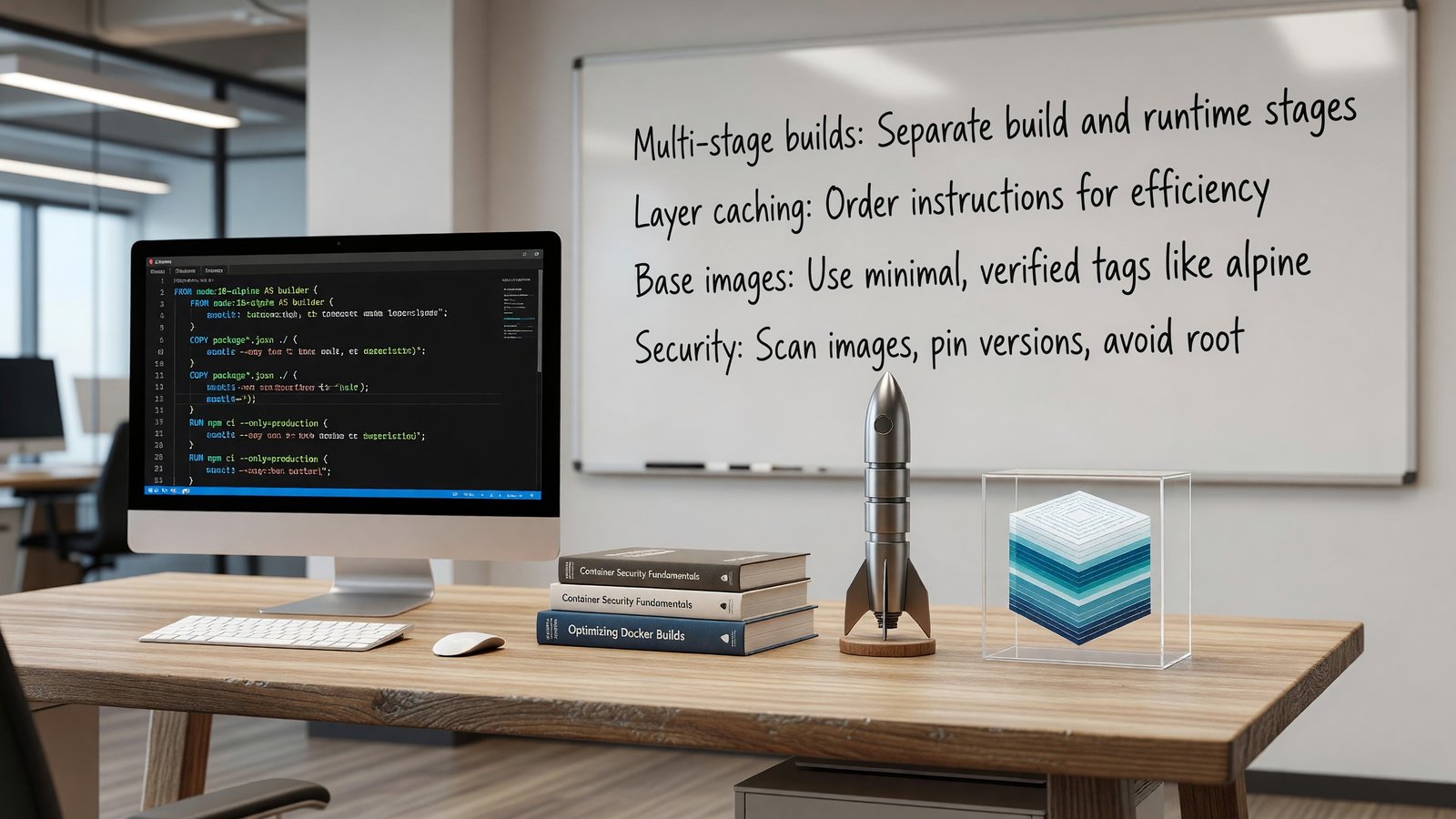
Dockerfile Best Practices for Production Container Images
Start With the Right Base Image
The base image is the most consequential decision in a Dockerfile. It dictates image size, attack surface, available packages, and how quickly CVEs land in your scanners. The defaults are rarely the right answer. The Docker Hub official images library documents all official base images and their maintenance policies.
For most applications, distroless images or Alpine variants give the smallest footprint and the cleanest CVE profile. Distroless ships with no shell, no package manager, and no userland — just the language runtime and your binary. Alpine is heavier but still under 10 MB and gives you a shell for debugging.
Avoid latest tags in production. Pin to a specific digest for reproducibility, or at minimum to a specific version tag. Floating tags break builds in subtle ways months after they were written.
Multi-Stage Builds Aren’t Optional
A single-stage Dockerfile that installs build tools, compiles code, and ships the result is shipping a lot of unnecessary surface area. Multi-stage builds let you compile in one image with the toolchain present, then copy only the resulting binaries into a minimal runtime image. The Docker documentation on multi-stage builds explains the pattern with examples.
The pattern is the same across languages: a builder stage with the full SDK, then a FROM line that switches to a minimal runtime, then COPY –from=builder for the artifacts you actually need. Go binaries on distroless static come out to 15-30 MB total.
Layer Caching That Actually Works
Docker caches layers based on the instruction and the inputs. The cache is invalidated for that layer and all subsequent layers when inputs change. The implication: order your Dockerfile so the things that change least come first.
The canonical pattern: copy dependency manifests and install dependencies before copying source code. Source code changes on every build; dependencies change rarely. With this ordering, dependency installation hits cache nearly every time.
Security: Non-Root Users, Minimal Surface, No Secrets
Default Docker behavior is to run as root inside the container. That’s a needless privilege escalation risk. Every production image should create a non-root user and switch to it with USER before the final CMD.
Never bake secrets into images. The image layer cache and registry retention mean any secret ever placed in an image is effectively published. Use BuildKit secrets for build-time secrets and runtime secret injection for runtime.
Scanning, Signing, and Supply Chain
Image scanning (Trivy, Grype, Snyk) catches known CVEs in your base image and dependencies. Integrate it into CI and fail builds on critical findings. Signing (cosign, Notary) lets downstream systems verify the image hasn’t been tampered with.
SBOMs generated at build time record exactly what’s in the image. When the next Log4Shell-class CVE drops, an SBOM repository lets you answer ‘which of our images are affected’ in seconds instead of days.
Related Reading
- See our deeper guide at /containers/container-image-security-scanning/.
BuildKit Features Worth Using
Modern Docker builds default to BuildKit, which adds several capabilities the older builder lacked. Build secrets (–mount=type=secret) inject secrets at build time without baking them into layers. SSH forwarding (–mount=type=ssh) lets builds pull from private git repos without storing keys in the image. Cache mounts (–mount=type=cache) persist directories like /root/.cache across builds, dramatically speeding up package manager runs.
These features are opt-in via DOCKER_BUILDKIT=1 or explicit buildx invocations. Once you’ve started using them, going back feels primitive. Buildx also enables cross-architecture builds (multi-platform: linux/amd64,linux/arm64) from a single Dockerfile, which is increasingly relevant as Graviton and Apple Silicon adoption grows.
Build Reproducibility
Two builds of the same Dockerfile should produce the same image. They often don’t. Sources of nondeterminism: apt-get install pulls the latest version of a package, npm install respects ranges in package.json that resolve differently over time, timestamps embed build time into binaries.
Reproducible builds matter for security (verifying nothing changed between builds), debugging (recreating the exact image from a year ago), and compliance. The path to reproducibility: pin every dependency by exact version, use lockfiles religiously, set SOURCE_DATE_EPOCH for tools that respect it, and consider tools like Bazel or Nix for higher-stakes reproducibility requirements.
Image Tagging and Promotion
Image tags are user-facing identifiers; digests are content-addressable. Production deployments should pin to digests, not tags, to avoid silently picking up a different image when a tag is republished.
A pragmatic tagging scheme: every build gets a unique tag (git SHA, build number, or semantic version). Floating tags (’latest’, ‘stable’, ‘v1’) point to specific immutable tags. Promotion from staging to production updates the floating tag.
This pattern gives you the convenience of named environments and the safety of immutable references. Pin to the specific tag in deployment manifests; let humans interact with floating tags.
Build Speed Optimization
For repositories that build often, build speed compounds into real engineering time. The first investment is layer caching — already covered. The second is build context size. Large .dockerignore omissions (node_modules, .git, build artifacts) cut multi-second context-transfer phases.
BuildKit’s –mount=type=cache lets dependency caches persist across builds without bloating image layers. npm install with a cache mount runs in seconds instead of minutes when dependencies haven’t changed.
Remote build caches (registry-backed or S3-backed via buildx) share caches across CI runners, so a fresh runner doesn’t start from cold. This matters most for monorepos and matrix builds where many builds touch overlapping content.
Container Image Provenance
Knowing where your container images come from is foundational. Pinning by digest (not by tag) gives immutability. Signing with Sigstore or Notary provides authenticity.
Build provenance — recording how the image was built, from what source, by which CI system — adds an additional layer. SLSA attestations capture this in a standardized format.
For organizations subject to executive orders or regulatory frameworks requiring software supply chain controls, provenance becomes mandatory rather than optional. Building the practice into normal CI early is cheaper than retrofitting under audit pressure.
Observability for Kubernetes Workloads
Standard observability for Kubernetes includes: pod metrics (cAdvisor exposed via kubelet), node metrics (node-exporter), API server and controller metrics, and application metrics via service annotations or ServiceMonitor.
The kube-prometheus-stack Helm chart bundles all of this with pre-built dashboards and alerts. Most clusters that want quick observability install it and customize from there. For deeper observability — distributed tracing across pods, application-level instrumentation — OpenTelemetry layers on top.
Logs follow a similar pattern. Fluent Bit or Vector as the agent, shipping to a centralized log store (Loki, Elasticsearch, CloudWatch). Per-pod metadata enrichment makes logs searchable by deployment, namespace, and pod labels.
Capacity Planning and Right-Sizing
Kubernetes capacity planning has two layers: cluster capacity (how many nodes, what types) and workload capacity (resource requests and limits). Both deserve attention.
For cluster capacity, observe peak utilization and plan headroom. 70-80% peak utilization is a healthy target — below that, you’re paying for idle capacity; above that, autoscaling lag and burst patterns can cause issues.
For workload capacity, the right-sizing tools mentioned earlier surface candidates. Schedule quarterly right-sizing reviews. Service growth and traffic pattern changes mean yesterday’s right-size is today’s waste or saturation.
Image Optimization for Production
Beyond best practices in the Dockerfile, image optimization at the repository level pays back across many services. Standardize on a small set of base images, share optimization patterns across teams, and centralize the security-update process for those base images.
Internal base images that wrap upstream images with organization-specific additions (corporate certs, common tools, security agents) reduce per-service complexity. Build them with the same discipline as application images — pinned dependencies, signed, scanned.
Image size impacts pull time, which impacts pod startup, which impacts autoscaling responsiveness and rolling deploy duration. The end-to-end effect is larger than the per-image savings suggest.
Operational Recommendations
For teams running production Kubernetes workloads, a small set of disciplines pays back across nearly every dimension of cluster operation. Define resource requests and limits for all production workloads. Establish a network policy posture that defaults to deny. Run regular cluster upgrades on a defined cadence. Monitor cluster health alongside application health.
These aren’t novel recommendations — they appear in every Kubernetes best-practices guide. They’re rarely fully implemented in production clusters that grew organically. The work of bringing existing clusters to this baseline is significant but worthwhile.
For new clusters, build these in from the start. Templates and operators can enforce the baseline; documentation captures the intent. Each new service onboarded gets the right defaults rather than requiring later remediation.
Operational maturity in Kubernetes is incremental. Pick the next improvement, implement it, move on. The compounded effect over time is what separates well-operated clusters from clusters that work but feel fragile.
Frequently Asked Questions
Should I use Alpine or distroless?
Distroless is smaller and has fewer CVEs. Alpine gives you a shell. For greenfield services, default to distroless.
How small can a production image get?
Go binaries on distroless static images come in around 15 MB. Java with jlink-trimmed JREs around 80 MB. Node.js around 100 MB.
Is COPY or ADD better?
Use COPY almost always. ADD has implicit behaviors that surprise readers and are easy to misuse.
How do I debug a distroless container?
Use the debug variants which include a busybox shell, or attach an ephemeral debug container in Kubernetes via kubectl debug.