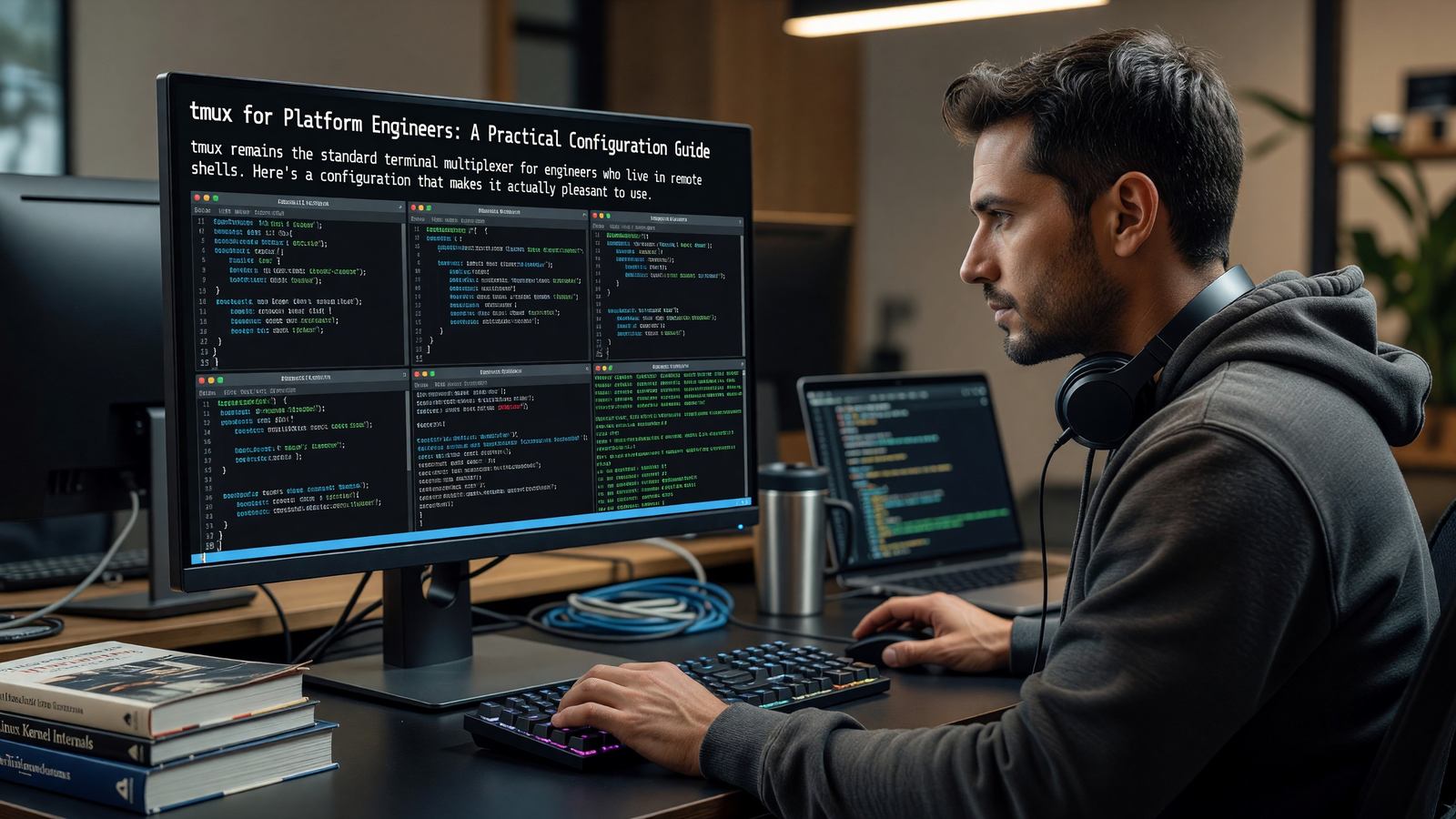
tmux for Platform Engineers: A Practical Configuration Guide
Why Bother With tmux
The case for tmux comes down to two things: persistent sessions and multiplexing. A tmux session survives a disconnected SSH connection, which is the entire reason tmux exists for many users. Within a session, you can split a single terminal into multiple panes and windows, which is the second.
Modern terminal emulators (WezTerm, Kitty, Alacritty with toolboxes) handle multiplexing locally. tmux still wins for remote work, where a server-side multiplexer survives client-side disconnections.
Sessions, Windows, and Panes
A session is a top-level container. A window is roughly equivalent to a tab. A pane is a split within a window. The mental model is straightforward once you’ve used it for a week.
Key workflow: one session per project, named with the project. Windows for different roles (editor, server, logs, scratch). Panes within windows for closely related tasks.
Configuration That’s Worth Doing
The default tmux config is functional but unfriendly. A small set of changes makes a large difference: enable mouse mode, change the prefix from Ctrl-b to something easier (Ctrl-a is common), bump the scrollback buffer to something useful (50,000+), and remap pane-split bindings to something memorable (| and -).
tpm (Tmux Plugin Manager) is worth installing. tmux-resurrect saves and restores sessions across reboots. tmux-continuum saves automatically. tmux-yank fixes copy-paste integration across platforms.
Color and Status Line
The default status line is busy and ugly. Themes like Catppuccin, Dracula, and tokyo-night give you something readable. Build the status line around what you actually need to see: session name, current window, hostname for multi-machine work, time if you want it.
Truecolor support requires both tmux configured for it (set -g default-terminal) and a terminal emulator that supports it. Most modern emulators do.
Alternatives Worth Knowing
Zellij is a younger multiplexer with better defaults and a more discoverable interface. Worth evaluating for new users. The plugin ecosystem is smaller than tmux’s, and the default keybindings differ enough that switching back and forth is awkward.
screen still exists. Don’t use it for new setups.
Related Reading
- See our deeper guide at /developer-tools/cli-tools-platform-engineers/.
Plugin Recommendations
The plugin ecosystem covers the rough edges that vanilla tmux leaves. tmux-resurrect saves session state across reboots. tmux-continuum saves automatically. tmux-yank handles copy-paste integration across platforms — a long-standing pain point in tmux. tmux-prefix-highlight visually indicates when the prefix key has been pressed, useful when learning.
Install via tpm (tmux plugin manager). The config is a couple of lines at the bottom of .tmux.conf. Most plugins have sensible defaults; minimal customization required to get value.
Pair Programming and Shared Sessions
Attaching multiple clients to the same tmux session enables real-time pair programming. Both see the same terminal, both can type. Useful for remote pair sessions and for over-the-shoulder debugging.
tmate is a tmux fork built specifically around shared sessions. It generates an SSH URL the pair can connect to without VPN or shared infrastructure. The session host stays in control; the guest can be read-only or full-write.
Performance and Resource Use
tmux is lightweight by default — a single tmux server process plus one client per attached terminal. Resource use is negligible.
Where tmux can get heavy: very large scrollback buffers across many windows. Default scrollback is 2000 lines; bumping to 50,000 across 20 windows is 1 million lines of memory-resident text. Usually fine; occasionally noticed on memory-constrained machines.
Logging output to disk via piped output or tmux’s pipe-pane lets you have effectively unlimited ‘scrollback’ without keeping it all in memory. Useful for long-running sessions where you want history without the memory cost.
Working Across Hosts
The classic tmux use case is SSH into a server, attach to a tmux session, do work. Disconnect or lose connection; reattach later, work is preserved. This single workflow justifies tmux for many remote-work scenarios.
For multi-host work, mosh complements tmux nicely — mosh handles flaky network connections at the SSH level, tmux handles session persistence at the server level. Together, you can suspend your laptop, switch networks, and reattach seamlessly.
Tools like ssh-tmux helpers automatically attach (or create) a named session on connection. The combined experience is closer to ’never logging out’ than ’logging in and out of remote machines.’
Productivity and Developer Experience
Developer experience research consistently finds that small friction adds up. The minute spent every time you switch tasks because the tool is slow, the moment of confusion every time a command doesn’t work as expected — these compound across days and weeks.
The investment in good tooling pays back. Engineers with well-tuned environments routinely outperform engineers in default environments by meaningful margins, especially on tasks that involve switching context or doing repetitive actions.
Standardize where it helps (shared dotfiles, dev container baselines, agreed-on tool choices) and let individuals customize where it doesn’t (editor preferences, prompt designs, keyboard layouts). The right balance varies by team.
Adoption and Onboarding
New tools succeed or fail in onboarding. A tool with great long-term value but a steep initial curve gets abandoned before the value materializes. A tool with limited value but smooth onboarding becomes the default forever.
Successful tool adoption usually includes: an internal champion who’s already proficient, paired learning sessions for newcomers, and explicit time set aside for the learning curve.
Forcing adoption without these supports doesn’t work. Engineers who feel forced revert to familiar tools as soon as oversight ends. Voluntary adoption with good support generates lasting change.
Tool Evaluation Process
New developer tools arrive constantly. Without a process for evaluation, teams either adopt every shiny new thing or rigidly reject change. Both extremes hurt.
A working evaluation process: small pilot with one or two engineers, sharing of findings, broader trial if the pilot succeeds, decision point on team-wide adoption. The full cycle takes weeks to months depending on tool scope.
Document the why behind tool choices. The tools change; the reasoning often persists. Future evaluators benefit from understanding what was tried and what didn’t work.
Personal Setup and Sharing
Each engineer’s personal setup evolves over years. The best setups combine team-standard tools with personal customizations that match individual working styles.
Sharing setups within the team accelerates everyone. A monthly ‘show your setup’ session, internal blog posts on tooling discoveries, or pair-programming where engineers see each other’s environments all transfer tacit knowledge.
Dotfile repositories with documentation make this concrete. Teams that share their environments openly find that productivity gains spread organically across the group.
Building Your Setup Over Time
Developer tooling evolves continuously. The setup that worked two years ago has gaps now; the setup that’s perfect today will feel dated in two years. Treating personal tooling as an ongoing investment, not a one-time setup, yields the best long-term results.
Practical rhythm: review and update tooling every six months. Try one new tool each quarter. Document what works for your own future reference. The accumulated experimentation builds a setup that fits your actual workflows.
The community matters here too. Tool authors and power users share insights via blog posts, conference talks, and social media. Following a few voices in your tooling space surfaces ideas you’d otherwise miss.
Most importantly, optimize for your actual work, not for theoretical best practices. The tools that other engineers love may not fit your style; that’s fine. The goal is making your daily work flow better, not adopting trends.
The compounded effect of small tooling improvements over a career is significant. The investment now pays back for years to come.
Frequently Asked Questions
Should I learn tmux or Zellij?
tmux if you need to operate on systems you don’t control (servers, shared machines). Zellij if you’re building a new local workflow from scratch.
How do I avoid losing my session on reboot?
tmux-resurrect plus tmux-continuum saves and restores sessions automatically. Configure them once, forget about them.
Can I share a tmux session with someone?
Yes — attach to the same session from two clients. For more polished pair programming, tmate is a tmux fork built around shared sessions.
Is tmux worth learning if I work mostly locally?
Less obviously than for remote work. A modern terminal emulator covers most local multiplexing needs.