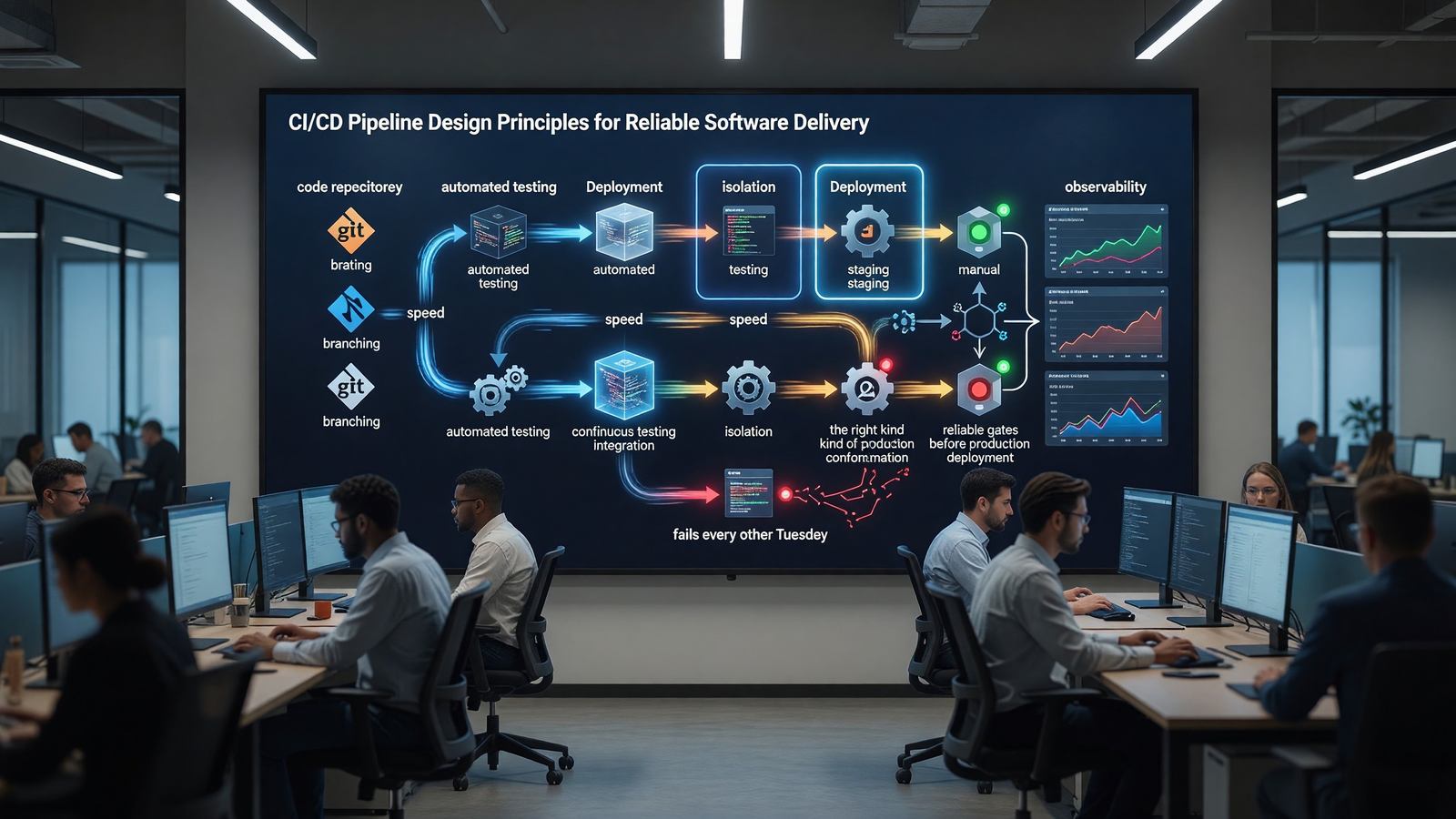
CI/CD Pipeline Design Principles for Reliable Software Delivery
What a Good Pipeline Actually Does
A pipeline is a contract: code that passes is safe to deploy. Every minute of pipeline time and every dollar of compute should be in service of that contract. Pipelines that don’t catch real bugs are theater; pipelines that catch flaky failures are friction.
The minimum useful pipeline has four phases: build, test, package, deploy. Real-world pipelines add static analysis, security scans, integration tests, performance regression checks, and approval gates. Each addition has a cost in wall-clock time and a cost in maintenance.
Speed Is a Feature
Pipelines slower than 10 minutes destroy developer flow. Engineers context-switch, lose track of which change is in flight, and start batching commits in ways that make rollback harder. The first investment in any pipeline is making it fast.
Parallelism is the cheapest win — most test suites can be sharded across runners. Caching dependencies and intermediate build artifacts is the second. Selective test running is the third.
Isolation: One Bad Test Can’t Break the Pipeline
Flaky tests are pipeline poison. Once engineers learn that re-running the pipeline is faster than investigating a failure, the pipeline stops being trusted. Quarantine flaky tests immediately and fix or delete them; never normalize re-runs.
Hermetic builds — builds that produce identical outputs given identical inputs — are the foundation. Pin every dependency. Use lockfiles. Pin build images by digest. Never reach out to the network during a build except to a cache you control. The GitHub Actions documentation on caching and GitLab CI caching docs both cover the specifics for each platform.
Deployment Gating: Manual Approvals, Automated Checks
Production deployments deserve gates. The question is which gates. Automated gates — passing tests, passing security scans, passing canary metrics — are always better than manual approvals because they’re consistent and fast.
Manual approvals exist for two reasons: regulatory requirements and high-stakes changes. For everything else, automated gates and easy rollback are a better combination than a human staring at a deployment summary.
Observability for Pipelines
Treat the pipeline like production. Track success rate, duration percentiles, queue time, and per-stage flake rate. When pipeline duration starts trending up, you want a graph that tells you which step regressed.
DORA metrics — deployment frequency, lead time for changes, change failure rate, time to restore — are the standard way to measure pipeline health at the program level.
Related Reading
- See our deeper guide at /cicd/deployment-frequency-dora-metrics/.
Pipeline as Code, Not as Configuration
Pipelines have evolved from clicked-together UI configurations (early Jenkins) to YAML in the repo. The next step many teams are taking is treating pipelines as actual code — Python, TypeScript, or Go programs that generate the pipeline definition.
Tools like Dagger, Pulumi-style pipeline definitions, and CDK Pipelines support this model. The benefit is real for organizations with many similar pipelines: shared logic, type checking, unit tests for pipeline behavior. The cost is one more abstraction layer that engineers have to understand. For most teams, well-organized YAML with composite actions or templates is still the right answer.
Cost Awareness in Pipelines
CI costs grow quietly. A pipeline that runs in 8 minutes on a 2-core runner uses 16 core-minutes. Run it 200 times a day across 50 services, and you’re at 160,000 core-minutes per day. At hosted-runner prices, that’s a real bill.
Cost-aware pipeline design: parallelize on smaller runners where possible, cache aggressively, run only the tests affected by the change (when monorepo tooling supports it), skip pipeline runs on documentation-only changes. The savings compound over time, and the engineering work to implement is usually one or two focused sprints.
Branch Pipelines vs Trunk Pipelines
The pipeline that runs on every commit to a feature branch and the pipeline that runs on merges to main don’t have to be identical. Branch pipelines should be fast: lint, unit tests, build verification. Trunk pipelines do the comprehensive work: integration tests, security scans, deployment to staging.
Splitting these gives developers fast feedback during iteration without sacrificing thoroughness on changes that actually reach trunk. The split is one of the simpler ways to cut PR-to-merge time without reducing what you’re actually testing.
Some teams take it further: pre-commit hooks run the fastest checks locally, pre-push hooks run unit tests, branch pipeline runs broader tests, trunk pipeline runs everything. Each layer catches different problems at appropriate cost.
Pipeline Failure Diagnostics
When a pipeline fails, the time from ‘pipeline failed’ to ‘I understand why’ is friction that adds up. Investments in this experience pay back continuously: clear failure annotations on PRs, log links that go directly to the failing step, screenshot or artifact uploads on UI test failures.
Test result reporting in PR comments — what failed, what test, what assertion — saves the click into pipeline UI. Pipeline retries with cached state save the full re-run on transient failures. Each small improvement reduces friction; collectively they change how pipelines feel to use.
Release Notes and Changelog Generation
Automated release notes from commit history close the loop between code changes and user-facing communication. Tools like release-drafter, semantic-release, and changesets generate changelogs from conventional commits or PR labels.
The discipline of writing PR titles and commit messages for downstream consumption pays back here. PR titles become changelog entries; clear titles make for clear changelogs.
For libraries with external users, automated semver bumping based on commit type (feat: minor, fix: patch, breaking change: major) reduces manual version management. The same tooling can publish to npm, PyPI, or other package registries on merge.
Security in CI/CD
CI/CD systems hold significant power: they can build code, sign images, push to registries, and deploy to production. Securing them matters.
Standard hardening: least-privilege credentials for each step, signed artifacts at each stage, audit logs of all pipeline executions, separation between build environments and production credentials.
Supply chain attacks via compromised CI are a real and growing threat. SLSA (Supply chain Levels for Software Artifacts) provides a framework for thinking about CI/CD security maturity. Most organizations land at SLSA level 1-2; reaching level 3 requires real investment but provides meaningful guarantees.
Pipeline Templating and Reuse
At scale, copy-pasted CI configuration becomes a maintenance burden. Every change to the standard pipeline requires touching dozens of repos.
Templating mechanisms vary by platform: GitHub Actions composite actions and reusable workflows, GitLab CI includes and templates, Jenkins shared libraries. Each provides a path to defining pipeline logic once and consuming it from many repositories.
The pattern that works: a small platform team maintains pipeline templates; service teams consume them by reference. Service-specific customization happens via variables and minimal local overrides. Template changes can be reviewed and tested centrally before propagating.
Build Cache and Performance
Build performance compounds at scale. A 30-second improvement on every pipeline run translates to hours per day across an organization.
Caching strategies matter most: dependency caches (npm, Maven, pip), Docker layer caches, intermediate build artifacts. Each cache type has different invalidation rules and storage requirements.
Remote caches shared across runners deliver the biggest improvement for monorepos and matrix builds. Bazel remote cache, Turborepo Remote Cache, and Nx Cloud all provide this for their respective ecosystems. Build times that dropped from 10 minutes to 1 minute aren’t unusual.
Putting It Into Practice
The patterns described throughout this article aren’t all equally important for every team. The right starting point depends on current state.
For teams without consistent CI/CD: focus first on basic pipeline reliability and speed. Inconsistent or slow pipelines undermine every other improvement you might try later.
For teams with working pipelines but high change failure rate: invest in better testing, smaller deployments, and explicit rollback procedures. The shift from ‘shipping is scary’ to ‘shipping is routine’ transforms how teams operate.
For teams with reliable CI/CD looking to advance: progressive delivery, deployment frequency improvement, and DORA metric tracking are the natural next steps. Each builds on the foundation rather than replacing it.
The advancement isn’t linear, and not every team needs every capability. Match the practices to the team’s actual constraints and let the rest wait.
Frequently Asked Questions
What’s a reasonable pipeline duration?
Under 10 minutes for most service repositories. Under 20 for large monorepos. Under 5 minutes is the gold standard.
Should I require manual approval for production?
Only when automation can’t make the decision. Reserve manual approval for high-blast-radius changes.
How do I deal with flaky tests?
Quarantine on first repeat failure. Triage within a week. Fix or delete. Never accept ‘rerun and see’ as a workflow.
What’s the right CI tool?
GitHub Actions and GitLab CI cover most needs. The tool matters less than the discipline applied to it.